Cline
Open-source AI coding agent that runs in your IDE with full transparency and model flexibility.
Cline - Lovable alternative
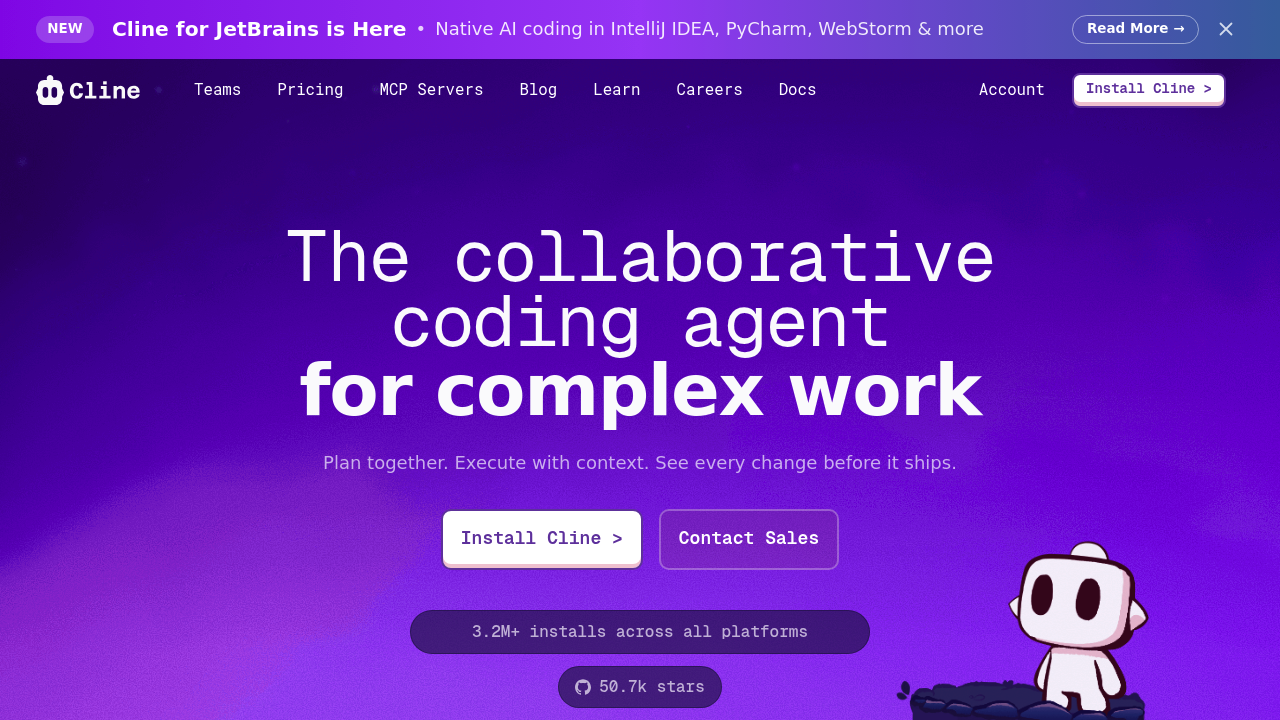
Cline is an open-source AI coding assistant that provides direct access to frontier models with complete transparency and zero vendor lock-in. It handles complex software development tasks step-by-step, with tools that let it create and edit files, explore large projects, use the browser, and execute terminal commands after you grant permission. Solo developers prefer it because they control which AI models they use, pay only for the models at provider prices with no markups, and can audit every decision since the code is fully open source. The client-side architecture ensures code never touches Cline's servers.
Strengths
- Complete model flexibility: Use Claude for complex reasoning, Gemini for massive contexts, DeepSeek for cost efficiency, or any new model as soon as it's released. Switch providers instantly without platform constraints.
- True cost transparency: Pay only for AI models at exact provider prices with no markups, subscriptions, or hidden fees. Extension tracks total tokens and API usage cost for entire task loops and individual requests.
- Full visibility into agent behavior: Watch in real-time as Cline reads files, considers approaches, and proposes changes before implementation. Every decision is reviewable before execution.
- 100% open source with 48,000+ GitHub stars: Security teams can review every line of code to understand exactly how it works and what data it sends.
- Model Context Protocol integration: Connect to databases, APIs, and documentation through standardized interfaces, or ask Cline to create custom tools for your specific workflow.
- Plan and Act modes: Cline explores codebases, asks clarifying questions, and creates comprehensive implementation plans before writing code.
Weaknesses
- High token consumption: Users report costs reaching up to $50 per day for continuous use with premium models. Requires active cost monitoring and model selection strategy.
- Struggles with large files: Performance degrades when processing very large files in complex projects.
- Requires bringing your own API keys from model providers. No bundled inference means setup involves configuring external accounts.
- Human-in-the-loop approval required for every file change and terminal command. More manual oversight than fully autonomous alternatives.
- Default ignore patterns may miss important project folders like Go's pkg/ directory. Requires configuration review for some language ecosystems.
Best for
Developers who prioritize full control, transparency, and cost predictability over convenience. Security-conscious teams needing auditable AI tools. Developers who want to experiment with cutting-edge models immediately after release.
Pricing plans
- Free — $0 — Cline itself is free and open source. You only pay for AI models you use at exact provider prices. No built-in limits on features or usage.
- Cline Teams — Unknown — Provides centralized billing, usage analytics, and seat management for enterprises. Pricing not publicly disclosed.
Tech details
- Type: IDE extension (agentic coding assistant)
- IDEs: Visual Studio Code, JetBrains IDEs
- Key features: File creation/editing with diff views, terminal command execution, browser automation with Computer Use, automatic context management, Plan/Act dual modes, .clinerules for project-specific instructions, workspace snapshots with restore capability
- Privacy / hosting: Runs entirely client-side with your API keys; code never touches Cline servers; all processing happens on your local machine. Open-source architecture enables full security audits.
- Models / context window: Model-agnostic: supports Anthropic Claude, OpenAI, Google Gemini, AWS Bedrock, Azure, GCP Vertex, OpenRouter, Cerebras, Groq, and any OpenAI-compatible API or local models through LM Studio/Ollama. Context windows vary by chosen model (up to 2M tokens with Gemini).
When to choose this over Lovable
- You need complete transparency into AI decisions and want to audit every action before execution, making you feel in control.
- You want flexibility to switch between AI models instantly without platform lock-in or waiting for provider integrations.
- Your organization has strict security requirements that mandate client-side processing, code staying on your machines, and open-source auditability.
When Lovable may be a better fit
- You prefer a fully managed web-based experience without needing to configure API keys or manage IDE extensions.
- You want predictable monthly costs instead of pay-per-token usage that can reach $50 daily with heavy use.
- You need integrated project hosting and deployment rather than just code generation in your local environment.
Conclusion
Cline serves as a Lovable alternative for developers who value transparency and control over convenience. Its open-source, client-side architecture with bring-your-own-key model access ensures you're never locked into specific AI providers. Recent benchmarks show combining models like DeepSeek-R1 for planning with Claude for implementation can reduce costs by up to 97% while maintaining quality. The human-in-the-loop design requires more active participation but provides complete visibility into agent actions, making it ideal for security-conscious teams and developers who want maximum flexibility.
Sources
- Official site: https://cline.bot/
- Documentation: https://docs.cline.bot/
- GitHub repository: https://github.com/cline/cline
- Pricing: https://cline.bot/ (free tool, pay only for AI model usage)
FAQ
Is Cline actually free to use?
Yes, the Cline extension itself is completely free and open source. You only pay for the AI models you use at exactly the price your chosen provider charges, with no markups or subscriptions. Your costs depend entirely on which models you select and how much you use them.
Can I use Cline with local AI models?
Yes, Cline supports local models through LM Studio or Ollama, as well as any OpenAI-compatible API. This enables completely offline operation with no external API costs if you have sufficient local compute resources.
How does Cline handle security and data privacy?
Cline runs entirely client-side using your API keys directly; your code never passes through Cline's servers. The client-side architecture is why security-conscious enterprises choose Cline, and the open-source codebase allows security teams to review every line.
What is Plan Mode and when should I use it?
Plan Mode allows Cline to explore your codebase, ask clarifying questions, and create comprehensive implementation plans before writing any code. Use it for complex features where you want Cline to understand full context first. Act Mode handles straightforward implementation tasks.
How much does it cost to run Cline daily?
Costs vary dramatically based on chosen models and usage patterns. Free options like Gemini-2.0-pro-exp cost $0.00 per million tokens, economical choices like DeepSeek-R1 cost $0.65 per million input tokens, while premium options cost more. Heavy users report costs up to $50 per day with premium models, but strategic model mixing can reduce this significantly.
What is MCP integration and why does it matter?
Model Context Protocol provides a standardized way to connect AI models to different data sources and tools, like a USB-C port for AI applications. Cline can create and install custom MCP servers tailored to your workflow, such as fetching Jira tickets, managing AWS resources, or pulling PagerDuty incidents. This extends Cline's capabilities beyond basic coding tasks.