JetBrains AI
AI-powered coding assistance deeply integrated into professional IDEs for experienced developers.
JetBrains AI - Lovable alternative
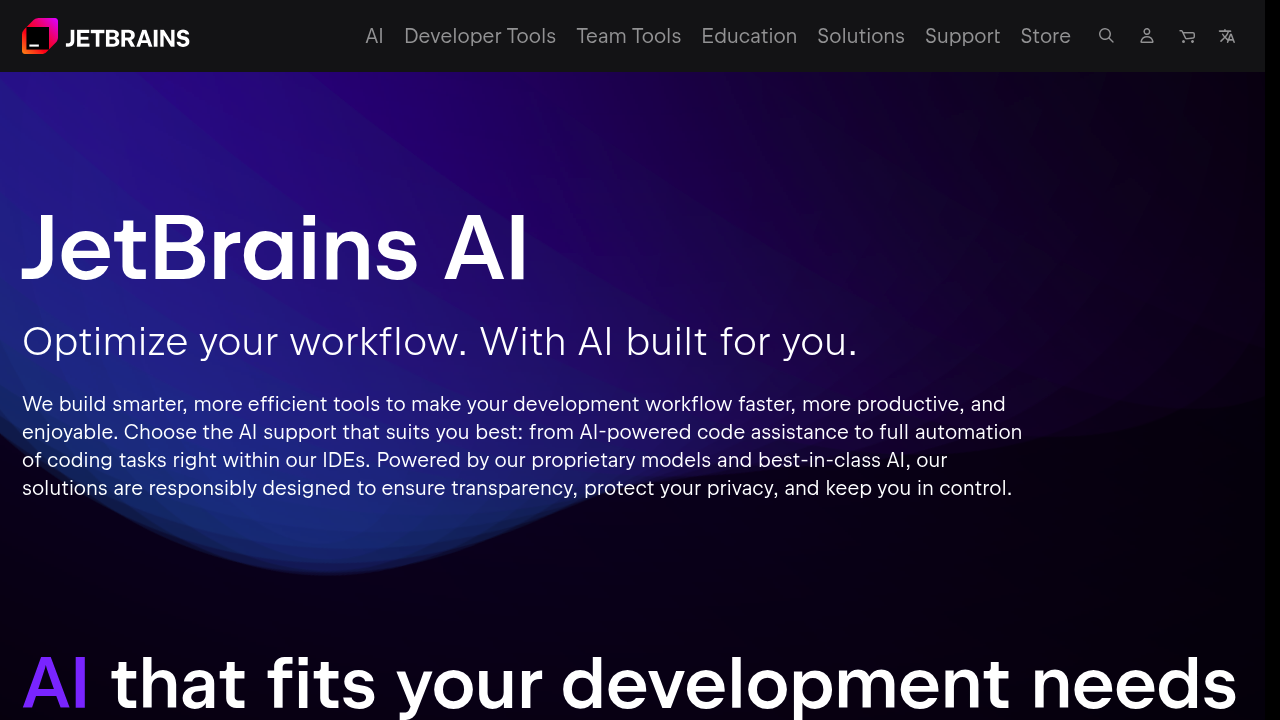
JetBrains AI Assistant is a plugin powered by the JetBrains AI Service that connects users to different large language models and enables AI-powered features within JetBrains products. It provides code completion, in-editor suggestions, AI chat with codebase context, and automated refactoring. Solo developers who already use JetBrains IDEs and prefer working within their existing development environment may choose this Lovable alternative for its tight integration with professional tooling.
Strengths
- Unlimited code completion and AI chat with codebase context across all license tiers including the free plan.
- Supports local model integration for developers who need offline functionality or want full control over their AI infrastructure.
- Includes Junie coding agent that can introduce large-scale edits to projects and run tests or terminal commands.
- Provides contextual awareness within the IDE, understanding project structure and dependencies.
- Offers model selection allowing developers to choose between different LLMs based on task requirements.
- Works seamlessly across multiple JetBrains IDEs including IntelliJ IDEA, PyCharm, WebStorm, and others.
Weaknesses
- Quota limits restrict cloud-based feature usage with AI Free tier at approximately 1x baseline, requiring monthly renewal or tier upgrade.
- Requires existing JetBrains IDE subscription for full functionality in most editions.
- AI Free tier not available in ReSharper, Fleet, Android Studio, or Community Editions of PyCharm and IntelliJ IDEA.
- Steeper learning curve for developers unfamiliar with JetBrains IDE ecosystem.
- Junie coding agent currently not available on AI Enterprise license tier and unavailable in Mainland China.
Best for
Developers already invested in JetBrains IDEs who want AI assistance without switching tools. Teams requiring enterprise-grade IDE integration with local model support.
Pricing plans
- AI Free — $0/month — Small quota (~1x baseline), resets monthly, unlimited code completion and chat
- AI Pro — Unknown — Medium quota (~10x baseline), resets monthly, unlimited code completion and chat
- AI Ultimate — $200/year ($30/month) — Large quota (~40x baseline) with $35 in AI Credits ($5 bonus), additional credits purchasable
- AI Enterprise — Unknown — Large quota (~40x baseline), custom features, available only as part of JetBrains IDE services
Tech details
- Type: AI coding assistant plugin for JetBrains IDEs
- IDEs: IntelliJ IDEA, PyCharm, WebStorm, Rider, PhpStorm, GoLand, RubyMine, CLion, DataGrip, and other JetBrains products (version 2024.2.1+)
- Key features: Context-aware code completion, AI chat with codebase indexing, automated test generation, code refactoring, commit message generation, multi-file editing, Junie coding agent
- Privacy / hosting: Cloud-based by default with JetBrains AI Service. Supports local model integration for offline use. Context data sent to third-party LLMs for cloud features. Local models allow full data control.
- Models / context window: Multiple LLM options available (specific models not disclosed). Configurable context window for local models. Model selection feature lets developers choose between different providers.
When to choose this over Lovable
- You already use JetBrains IDEs daily and want AI integrated into your existing workflow.
- You need local model support for offline development or strict data privacy requirements.
- You prefer traditional code-centric development with AI assistance rather than prompt-first building.
When Lovable may be a better fit
- You need rapid full-stack application prototyping with visual interfaces and immediate deployment.
- You want to build complete web applications through conversational prompting without deep IDE knowledge.
- You prefer browser-based development without installing or configuring professional IDEs.
Conclusion
JetBrains AI enhances established development workflows for programmers comfortable with professional IDEs. It provides intelligent code suggestions, refactoring assistance, and agentic capabilities within familiar tooling. While it requires quota management and IDE familiarity, developers already using JetBrains products gain seamless AI integration without workflow disruption.
Sources
- Official site: https://www.jetbrains.com/ai/
- Docs: https://www.jetbrains.com/help/ai-assistant/
- Pricing: https://www.jetbrains.com/ai-ides/buy/
FAQ
What is the difference between JetBrains AI and Lovable?
JetBrains AI is an IDE plugin providing AI-assisted coding within professional development environments. Lovable is a web-based platform for building full applications through conversational prompting. JetBrains AI enhances traditional coding workflows while Lovable focuses on rapid application generation.
Do I need a JetBrains IDE license to use JetBrains AI?
The AI Free tier requires a compatible JetBrains IDE (version 2025.1+). Paid tiers work with earlier versions starting from 2024.2.1. Some editions like Community versions of PyCharm and IntelliJ IDEA do not support AI Free tier.
Can JetBrains AI work offline?
Yes. JetBrains AI supports local model integration allowing offline development. Developers can configure third-party local models and adjust context window settings to work without cloud connectivity.
What happens when I reach my quota limit?
When quota is exhausted, you can wait for the monthly reset, upgrade to a higher tier, switch to a different license if available, or use offline mode with local models. AI Ultimate and Enterprise users can contact support for quota increases.
Does JetBrains AI support multiple programming languages?
Yes. JetBrains AI works across all languages supported by JetBrains IDEs including Java, Kotlin, Python, JavaScript, TypeScript, Go, Ruby, PHP, C++, and many others.
Is Junie coding agent included in all plans?
Junie is installed with AI Assistant starting from version 2025.1 but is currently limited to specific JetBrains IDEs and not available on AI Enterprise tier or in Mainland China.