Kilo Code
Open-source AI coding assistant that runs inside VS Code and JetBrains IDEs.
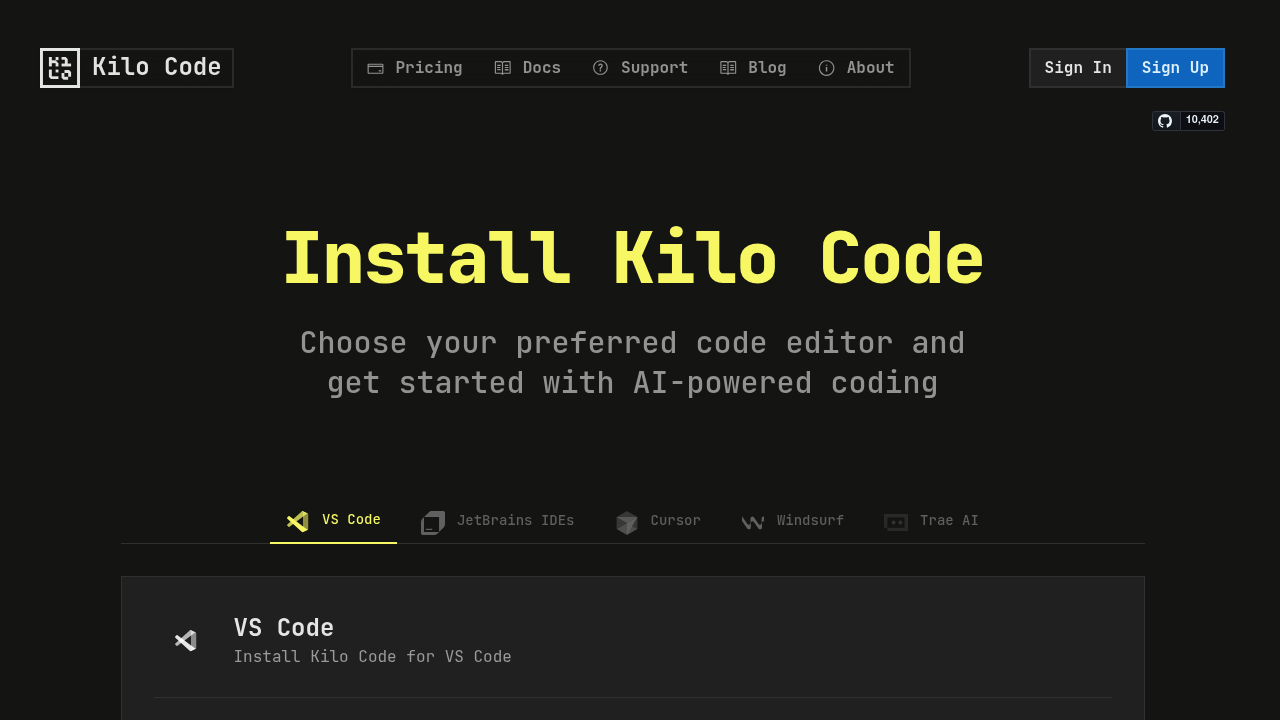
Kilo Code - Lovable alternative
Kilo Code is an open-source AI coding assistant for planning, building, and fixing code directly within VS Code. It generates code from natural language descriptions, refactors and debugs existing code, writes documentation, and automates repetitive tasks. Solo developers gain full control over their development environment with no vendor lock-in. The extension requires no subscription and charges zero commission on API usage.
Strengths
- Completely free and open-source extension with full source code access on GitHub. No subscription fees or usage restrictions for the core product.
- Zero markup pricing model where developers pay exactly what AI providers charge with no commission or hidden fees. Alternative options include bringing your own API keys or using free local models.
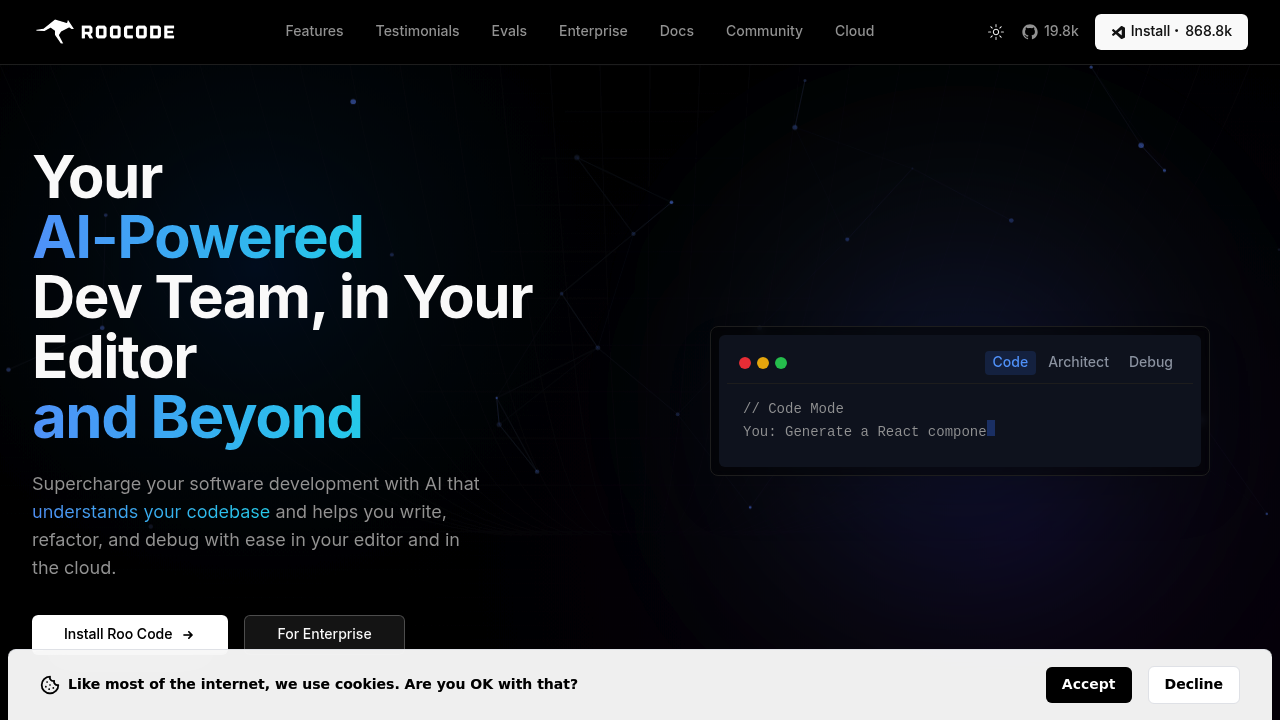
- Multiple specialized modes including Code, Architect, Ask, Debug, and unlimited custom modes for different development workflows. Each mode adapts AI behavior to specific tasks.
- MCP (Model Context Protocol) support enables unlimited custom tools, external API integrations, database connections, and specialized development tools. Developers can extend functionality without limitations.
- Works with local AI models through Ollama and LM Studio for offline development or enhanced privacy. No internet connection required when using local models.
- No data training on your code and no vendor lock-in. Complete transparency through open-source codebase.
Weaknesses
- Requires existing IDE installation and configuration. Not a standalone web-based platform like some alternatives.
- API usage costs are pass-through from providers like Anthropic, OpenAI, and Google. Developers must manage their own API spending and monitor usage.
- Steeper learning curve for developers unfamiliar with VS Code extensions or IDE-based workflows. Requires understanding of IDE concepts.
- Enterprise features require custom pricing contact. No transparent pricing for team management, audit logs, or role-based access control.
Best for
Developers who want full control over their coding environment, prefer working in VS Code or JetBrains, need transparent pricing without subscriptions, value open-source software, or require local model support for privacy.
Pricing plans
- Open Source — Free — Complete VS Code extension, unlimited usage, full source code access, community support on Discord.
- Kilo API Provider — Pay-as-you-go (0% markup) — Charges exact provider rates from Anthropic, OpenAI, Google. $20 free credits included. No subscription required.
- Bring Your Own Keys — Variable (your provider costs) — Connect your own API keys from any supported provider. Pay providers directly with no intermediary.
- Local Models — Free — Run Llama, Mistral, or other models locally through Ollama or LM Studio. No API costs.
- Enterprise — Custom pricing — Includes audit logs, role-based access control, team management dashboard, usage analytics, priority support. Contact [email protected] for pricing.
Tech details
- Type: IDE extension (VS Code and JetBrains)
- IDEs: Visual Studio Code and JetBrains IDEs
- Key features: Code generation from natural language, refactoring and debugging, documentation writing, codebase Q&A, task automation, file and project creation, browser control, terminal command execution, codebase search
- Privacy / hosting: Self-hosted extension with no data training on user code. Supports local models for complete offline operation. API calls go directly to chosen providers.
- Models / context window: Supports Claude (Anthropic), GPT models (OpenAI), Gemini (Google), Llama, Mistral, and other local models. Context window varies by selected model provider.
When to choose this over Lovable
- You need to work within an existing IDE rather than a web-based platform. Kilo Code integrates directly into VS Code and JetBrains for developers who prefer IDE workflows.
- You require transparent, pay-per-use pricing without monthly subscriptions. Zero commission model means you pay only provider costs with full cost visibility.
- You want open-source software with full code access and customization. Complete source code available on GitHub with no vendor lock-in enables unlimited modifications.
When Lovable may be a better fit
- You need a web-based platform with instant access and no local installation. Lovable provides a chat interface for building complete web applications without IDE setup.
- You want an all-in-one solution for full-stack web app development with hosting included. Lovable enables users of any skill level to create full-stack websites through natural language with integrated deployment.
- You prefer a no-code approach focused specifically on web application creation. Lovable generates entire web applications with frontends, backends, and database logic without requiring IDE knowledge.
Conclusion
Kilo Code delivers an open-source AI coding assistant that runs in VS Code with transparent pricing and no vendor lock-in. Its multiple modes, MCP extensibility, and local model support provide flexibility for diverse development workflows. The zero-commission pricing model appeals to cost-conscious developers. Enterprise features are available separately for organizations needing audit logs and team management.
Sources
- Official site: https://kilocode.ai/install
- Docs: https://kilocode.ai/docs/
- Pricing: https://kilocode.ai/pricing
FAQ
What makes Kilo Code different from other AI coding assistants?
Kilo Code is completely free and open-source with zero commission on API usage. Unlike subscription-based alternatives, developers pay only the exact costs that AI providers charge. The extension supports local models, MCP protocol for unlimited extensions, and custom modes for specialized workflows.
Can I use Kilo Code without paying for AI API access?
Yes. Kilo Code offers several free options including using free models like Llama and Mistral, or running local models through Ollama or LM Studio. The extension itself is completely free with no restrictions. API providers offer $20 in free credits to get started.
Does Kilo Code work offline or with private code?
Kilo Code supports local AI models for offline use or enhanced privacy. The extension does not train on your code and provides no vendor lock-in. When using local models through Ollama or LM Studio, no internet connection is required and code never leaves your machine.
What IDEs does Kilo Code support?
Kilo Code works with VS Code and JetBrains IDEs. The VS Code extension is available through the Visual Studio Marketplace. Full integration includes chat interface, code actions, terminal access, and file operations within the IDE.
How does pricing work for the Kilo API provider?
Kilo API provider charges exactly what Anthropic, OpenAI, and Google charge with no markup, commission, or hidden fees. Developers receive $20 in free credits to get started. Alternatively, you can bring your own API keys and pay providers directly, or use free local models.
What are the enterprise features and how much do they cost?
Enterprise features include audit logs, role-based access control, team management dashboard, usage analytics and reporting, and priority support. Pricing is custom and requires contacting [email protected]. The revenue model focuses on enterprise features while keeping the core product free for individual developers.