Momen
Contact
Momen
AI-powered no-code web app builder with built-in database, visual canvas, workflow automation, and API integrations — all without writing code.
Momen as a Lovable Alternative: Comparison & Decision Guide (2026)
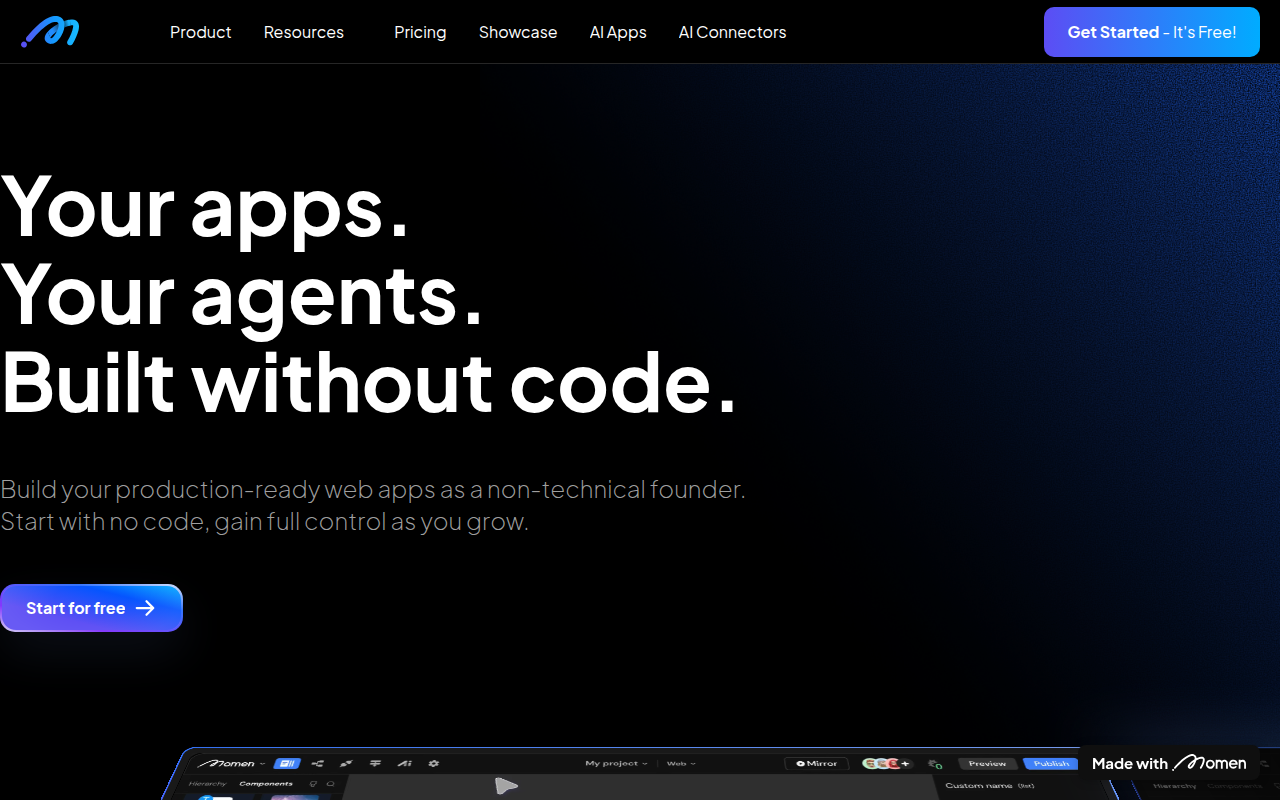
Momen is an AI-powered no-code web app builder that lets non-technical users design, build, and deploy full-stack web applications without writing code. It is a credible Lovable alternative for founders who need more structured backend logic and relational data control than Lovable currently provides out of the box.
Compared to Lovable, Momen offers a more visual, drag-and-drop workflow with built-in database management, API integrations, and workflow automation — all configurable without code. The tradeoff is that Momen's AI generation is less conversational and more form-driven, which some beginners may find less intuitive.
Users who need a purely AI-chat-to-app experience, or who plan to export and self-host raw code, may find Lovable's approach a better fit.
Momen vs. Lovable: Quick Comparison
| Decision area | Momen | Lovable |
|---|---|---|
| Primary approach | Visual no-code builder + AI generation | AI chat-to-code generation |
| No-code support | Yes — full drag-and-drop, no code needed | Partial — prompts generate code, limited visual editing |
| Learning curve | Moderate — visual canvas requires understanding of layout and logic blocks | Low — natural language prompts require no prior setup knowledge |
| Output stack | Proprietary runtime (React-based frontend, managed backend) | React + Supabase (exportable) |
| AI capability / builder style | AI assists with generation; primary interaction is visual | AI-first; natural language is the primary interface |
| Visual editing | Yes — full visual canvas editor | Limited — text-based with some visual tweaks |
| Figma import | Not publicly documented | Not publicly documented |
| Templates / starter projects | Yes — curated templates available | Yes — starter templates available |
| Deployment | Managed cloud deployment on Momen infrastructure | Managed cloud deployment (Lovable-hosted) |
| Custom domain | Yes — supported on paid plans | Yes — supported on paid plans |
| Database | Built-in visual database with relational data support | Supabase integration (visual table editor) |
| Authentication | Built-in user auth with role management | Via Supabase auth |
| Mobile support | Responsive web apps; native mobile: Not publicly documented | Responsive web apps; native mobile: Not publicly documented |
| Git/GitHub workflow | Not publicly documented | Yes — GitHub sync supported |
| Code export / portability | Not publicly documented — proprietary runtime | Yes — can export React/Supabase code |
| Collaboration | Multi-user collaboration on paid plans | Collaboration features available |
| Error handling / debugging | Visual workflow logs; limited code-level debugging | AI-assisted error correction |
| Support quality / onboarding help | Documentation, tutorials, community support | Documentation, community, AI-assisted help |
| Pricing model | Free plan + paid tiers (usage-based) | Credit/token-based pricing |
| Free plan | Yes — "Build for free" available | Yes — limited free tier |
| Paid plans | See momen.app/pricing for current tiers | Starter and Pro plans with credit bundles |
What Momen Does Differently
Visual-First Building, AI as an Assistant
Unlike Lovable where the primary interface is a chat window that generates code, Momen gives you a visual canvas where you drag, drop, and configure components directly. AI generation is available, but it supplements the visual experience rather than replacing it.
This matters for users who find it easier to think spatially about their app's layout rather than describing it in text. If you've ever tried to precisely position elements via chat and felt frustrated, Momen's canvas approach addresses that directly.
Built-In Relational Database and Workflow Engine
Momen includes a native visual database builder with relational tables, and a workflow automation engine that connects data, logic, and UI without external integrations. You can define database schemas, set up triggers, and build multi-step workflows entirely through visual configuration.
Lovable relies on Supabase for database functionality, which is powerful but requires understanding a separate tool. Momen keeps everything under one roof, which simplifies the mental model for non-technical builders.
Built-In API Integration Layer
Momen has a built-in API connector that lets you pull in third-party data sources, trigger webhooks, and integrate external services without code. This is configured through a visual interface, making it accessible to users who have never worked with REST APIs before.
For a non-technical founder who needs their app to interact with Stripe, Twilio, or a custom backend endpoint, Momen's visual API layer reduces the barrier significantly compared to manually configuring integrations in Lovable.
Known Limitations
- Proprietary runtime and potential lock-in: Momen apps run on Momen's infrastructure. There is no publicly documented path to export your full application as standalone code and host it independently. This is a meaningful lock-in risk if you anticipate needing to migrate to a self-hosted or custom infrastructure later.
- Less conversational than Lovable for rapid iteration: Momen's AI generation is not as fluent or iterative as Lovable's chat-based workflow. If your process is "describe what I want in plain English and get a working screen in 30 seconds," Lovable is currently faster at that loop.
- Pricing not fully transparent at scale: Momen's paid pricing details (team plans, usage limits, overage costs) are not fully documented publicly. Buyers planning a production app with significant users or data should verify cost ceilings directly with Momen's team before committing.
- GitHub integration not publicly documented: Lovable supports GitHub sync for version control and developer handoff. Momen does not publicly document equivalent Git integration, which limits collaboration with technical co-founders or contractors who want code access.
- Mobile app output unclear: If your goal is a native iOS or Android app (not just a responsive web app), Momen's support for that output is not publicly documented. Do not assume mobile app output is available without confirming directly.
Who Should Choose Momen Over Lovable?
- Non-technical founders who think visually: If you naturally sketch wireframes or work better with drag-and-drop interfaces than text prompts, Momen's canvas will feel more intuitive than Lovable's chat-to-code approach.
- Builders who need relational data logic without Supabase setup: Momen's built-in database removes the need to understand Supabase's configuration, making it more accessible for users building data-heavy apps like CRMs, booking platforms, or internal tools.
- Operators building internal tools or structured dashboards: Momen's workflow engine and API connector make it well-suited for internal apps — think admin panels, approval flows, and data pipelines — where structured logic matters more than AI-generated UI flair.
- Teams that prefer everything in one vendor: Momen's consolidated database, workflow, and deployment avoids the multi-tool setup that Lovable's Supabase integration implies. If simplifying your vendor stack is a priority, Momen reduces moving parts.
When Lovable Is Still the Better Choice
- You want AI-first, conversational building: Lovable's core strength is that you describe what you want in natural language and get a working implementation. If your process is primarily prompt-driven iteration, Lovable's chat loop is faster than Momen's visual configuration.
- You need code export and portability: Lovable generates React + Supabase code that you can export, self-host, and hand off to developers. If ownership of the underlying code matters to you, Lovable is the stronger choice since Momen's portability is not publicly documented.
- You plan to bring in a developer later: Lovable's GitHub sync means a developer can pick up exactly where you left off in a real codebase. Momen's workflow is more tightly coupled to its own runtime, which makes developer handoff less straightforward.
- You're building a public-facing consumer product that needs iterative AI refinement: Lovable's rapid prompt-to-screen cycle is better suited for quickly testing UI ideas. Momen's visual canvas is more deliberate and better for structured builds than fast iteration.
Pricing Comparison & Cost at Scale
Momen Pricing Overview
- Free plan: Available — "Build for free" is advertised on the official site. Specific limits (users, apps, API calls) should be verified at momen.app/pricing as they may change.
- Paid plans: Available, but detailed tier breakdowns and pricing amounts are not fully documented in publicly indexed sources. Contact Momen or check official pricing for current structure.
Lovable Pricing Overview
- Free plan: Yes — limited monthly credits for building and testing.
- Starter: Paid monthly plan with higher credit allowance.
- Pro: Higher tier with more credits and priority features.
Cost-at-Scale Analysis
| Scenario | Momen | Lovable | Notes |
|---|---|---|---|
| Solo founder, early prototype | Free plan likely sufficient | Free plan available | Both offer free entry points |
| Growing app, 100+ users | Paid plan required — exact cost not publicly documented | Paid plan required — credit usage depends on build frequency | Verify pricing directly before scaling |
| Team of 3+ | Not publicly documented (team seats/collaboration costs) | Collaboration available on paid plans | Confirm multi-seat pricing with both vendors |
Prices are subject to change. Verify current plans at official pricing pages before making a commitment.
How Momen Compares to Other Lovable Alternatives
- Momen vs. Bubble: Bubble is the most established no-code app platform with a larger ecosystem of plugins and a steeper learning curve. Momen is newer and aims for a simpler, more AI-assisted experience. Bubble is better for complex, mature apps; Momen is better for faster initial builds without deep no-code expertise.
- Momen vs. ToolJet: ToolJet is focused on internal tools and admin dashboards, not public-facing apps. Momen covers a broader range of app types including consumer-facing products. If your target is internal tooling, ToolJet's open-source option is worth considering.
- Momen vs. Appsmith: Appsmith is also internal-tool focused and open-source. Momen competes more on the "build any app" positioning. For developers who want self-hosting and open-source, Appsmith has the edge. For non-technical builders, Momen is more accessible.
FAQ
Is Momen free to use?
Yes — Momen offers a free plan with the tagline "Build for free." The specific limits of the free tier (number of apps, users, API calls) should be verified at momen.app/pricing since they may change over time.
Can Momen replace Lovable for non-technical users?
Partially. Momen is genuinely no-code and accessible to non-technical users — you can build a full-stack web app without writing a single line of code. However, Lovable's conversational AI prompt interface has a lower initial learning curve. Momen requires more setup and understanding of its visual canvas before you can build efficiently.
Does Momen support code export?
Not publicly documented. Momen apps appear to run on a proprietary runtime, and there is no official documentation describing an export-to-code pathway. If code portability is important for your project, this should be confirmed directly with Momen before committing.
Is Momen good for beginners with no technical background?
Yes, with a caveat. Momen is designed for non-technical users and does not require coding. However, it has a moderate learning curve — you will need to invest time learning the visual canvas, data layer, and workflow concepts before you can build complex apps efficiently. Budget time for onboarding.
Do I need to know how to code to use Momen?
No. Momen is a no-code platform. Building, configuring databases, connecting APIs, and deploying apps are all done through visual interfaces without writing code. The AI features further reduce manual configuration work.
How does Momen handle database and backend logic?
Momen includes a built-in visual database builder with relational table support, and a workflow engine for automation. Both are configured through graphical interfaces — no SQL or backend code required. This is one of Momen's primary differentiators from Lovable, which relies on Supabase for backend functionality.