PearAI
AI-powered code editor built on VSCode with inline editing and codebase awareness.
PearAI - Lovable alternative
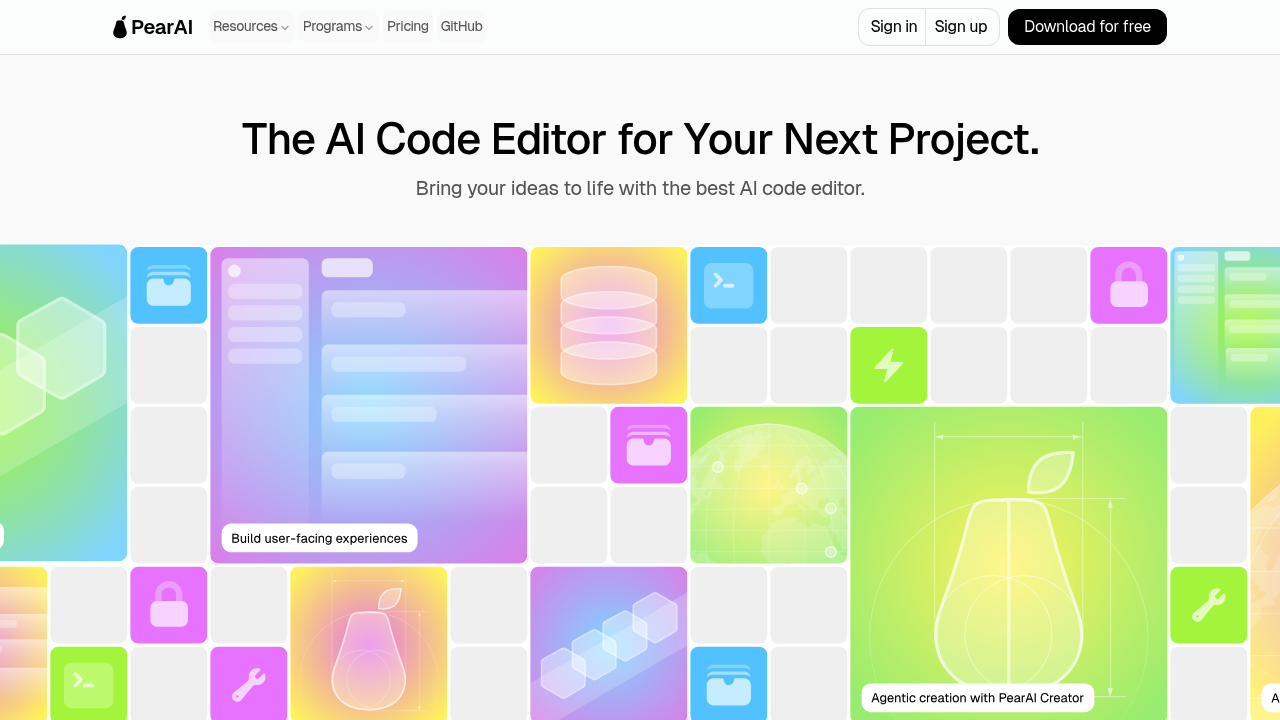
PearAI is an open-source AI code editor forked from VSCode with integrated AI capabilities. It provides inline code editing via CMD+I, contextual AI chat with codebase indexing, and custom slash commands for common tasks. Solo developers seeking a familiar IDE experience with AI assistance built directly into their editor may prefer this Lovable alternative. Code remains stored locally on the developer's computer.
Strengths
- Inline editing displays code diffs directly in files using CMD+I, allowing developers to review AI changes before accepting
- Codebase context retrieval with @codebase command automatically finds relevant code snippets from existing projects
- Access to multiple frontier models including Claude 3.5 Sonnet, GPT-4o, Gemini 1.5 Pro, and OpenAI o1
- Bring-your-own-API-key support for Ollama, LM Studio, and 15+ other providers enables local model usage
- Custom slash commands and TypeScript-based extensions allow developers to build workflow-specific automations
- Built as a VSCode fork, providing full IDE functionality including debugging, extensions, and terminal integration
Weaknesses
- Monthly subscription limits measured in credits that vary by prompt size, file length, and model selection
- Long conversations consume limits faster as each previous message is sent as context
- Requires installing a separate desktop application rather than browser-based access
- Initial release faced community criticism for being a fork of Continue.dev with insufficient differentiation
- No web deployment capability for generated applications
Best for
Developers who want AI assistance integrated into their existing code editor workflow. Ideal for those working on established codebases who need contextual code understanding.
Pricing plans
- Free Plan — $0/month — Automatic fallback to Claude 3.5 Haiku (unlimited) after reaching monthly limit
- Subscription — $15/month — Credit-based usage for Claude 3.5 Sonnet, GPT-4o, o1-mini, o1-preview, Gemini 1.5 Pro; grandfathered early-bird pricing
- Credit Top-up — Variable — Additional credits available for purchase that never expire
Tech details
- Type: Desktop AI code editor
- IDEs: Standalone application (VSCode fork)
- Key features: Inline diff editing (CMD+I), AI chat with codebase context (@codebase), file/folder referencing (@filename), terminal content integration (@terminal), commit message generation (/commit), custom slash commands
- Privacy / hosting: Code stored locally on user's computer. Cloud inference for hosted models. Supports local models via Ollama and LM Studio.
- Models / context window: Claude 3.5 Sonnet, Claude 3.5 Haiku, GPT-4o, OpenAI o1-mini, o1-preview, Gemini 1.5 Pro. Context window varies by model.
When to choose this over Lovable
- You need AI assistance while working in an established codebase with existing architecture
- Your workflow requires deep IDE integration with debugging, extensions, and terminal access
- You want to use local models through Ollama or LM Studio without cloud API costs
When Lovable may be a better fit
- You want to build and deploy web applications from natural language descriptions
- Browser-based development with instant preview is essential to your workflow
- You need integrated hosting and deployment rather than local development only
Conclusion
PearAI delivers AI-powered coding assistance as a VSCode fork with inline editing and codebase awareness. The $15/month subscription provides access to frontier models with credit-based usage. Developers seeking AI integration within a traditional IDE will find PearAI familiar. This Lovable alternative suits those working on existing codebases who want contextual code understanding in their editor.
Sources
- Official site: https://trypear.ai/
- Documentation: https://trypear.ai/docs
- Pricing: https://trypear.ai/pricing
- GitHub: https://github.com/trypear/pearai-app
FAQ
What is PearAI and how does it differ from regular VSCode?
PearAI is an open-source fork of VSCode with integrated AI capabilities built directly into the editor. It adds inline AI editing via CMD+I that shows code diffs, AI chat with automatic codebase context retrieval, and slash commands for tasks like generating commits or tests. Unlike VSCode with AI extensions, PearAI integrates these features at the editor level.
How does PearAI's pricing work?
PearAI charges $15/month and measures usage in credits that depend on input prompt size, output length, model used, and AI tool selected. Current subscribers receive grandfathered early-bird pricing permanently. When monthly limits are reached, the system automatically switches to unlimited Claude 3.5 Haiku. Additional credits can be purchased and never expire.
Can I use PearAI with local AI models?
Yes. PearAI supports bringing your own API key for multiple providers including Ollama, LM Studio, llamafile, llama.cpp, and other OpenAI-compatible APIs. This allows developers to run models locally without cloud API costs while maintaining the same editor interface.
What AI models does PearAI support?
The PearAI server provides Claude 3.5 Sonnet (latest), Claude 3.5 Haiku (unlimited fallback), GPT-4o (latest), OpenAI o1-mini, o1-preview, and Gemini 1.5 Pro. With custom API keys, it supports Claude, OpenAI, Google Gemini, Azure OpenAI, Mistral, Cohere, Groq, DeepSeek, TogetherAI, WatsonX, and other compatible providers.
How does PearAI handle code privacy?
PearAI stores code locally on your computer and provides context about your codebase for AI queries. When using PearAI's hosted models, code snippets are sent to cloud AI providers for inference. Developers can use local models through Ollama or LM Studio to keep all processing on-device.
What are slash commands in PearAI?
Slash commands are shortcuts that trigger specific AI actions: /commit generates commit messages, /cmd creates CLI commands, /edit makes code changes with diffs, /comment adds code documentation, and /test generates unit tests. Developers can create custom slash commands using natural language prompts in config.json or write TypeScript functions in config.ts for advanced functionality.