Void
Open-source AI code editor for developers who need direct model access and full privacy control.
Void Editor - Lovable alternative
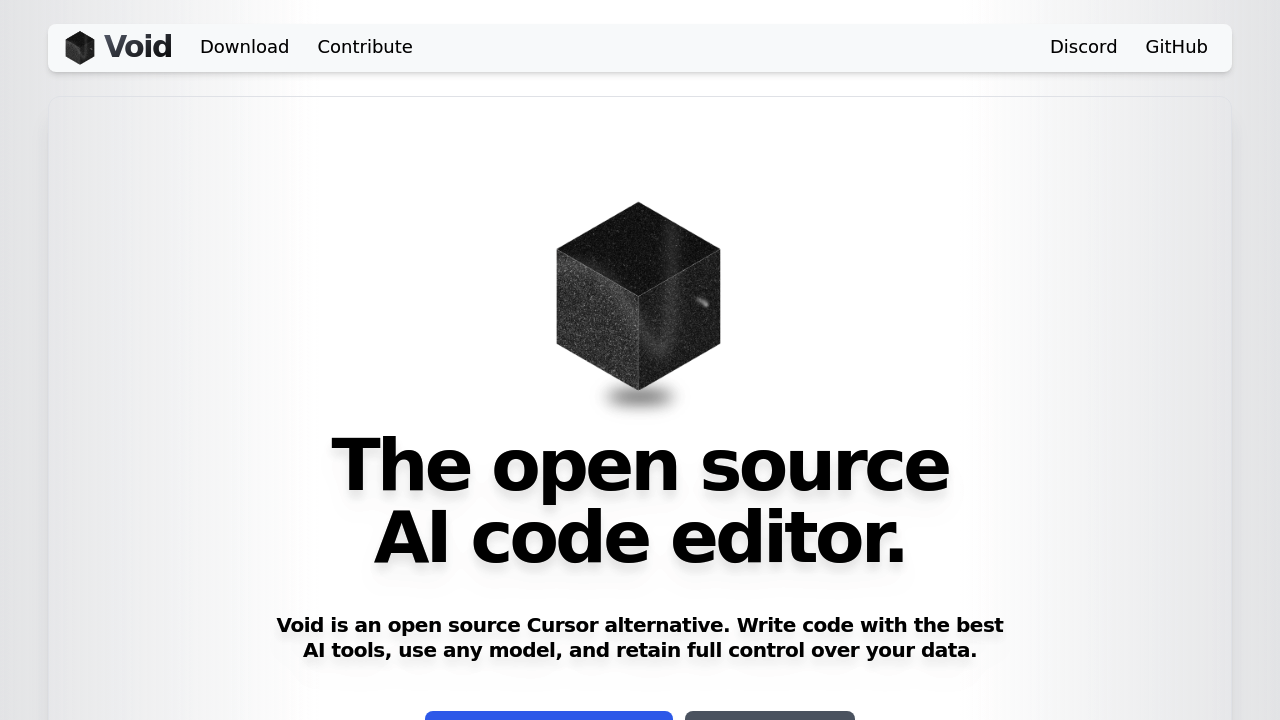
Void is an open-source fork of Visual Studio Code that positions itself as a privacy-focused AI code editor. It connects directly to AI providers without routing data through proprietary backends, unlike closed-source alternatives. Solo developers can use any LLM—either hosted locally via Ollama or through direct API connections to providers like OpenAI, Anthropic, or Google. Unlike Lovable's web-based prompt-to-app workflow, Void operates as a traditional IDE with AI assistance built into the editing experience.
Strengths
- Complete privacy and data ownership — Messages go directly to model providers without passing through third-party servers, and no user data is retained.
- Unlimited local model usage — Run open-source models like DeepSeek, Llama, Gemini, Qwen locally through Ollama, vLLM, or OpenAI-compatible endpoints without API costs.
- Full VS Code compatibility — Import all existing VS Code themes, keybindings, and settings in one click since Void is a direct fork.
- Agent Mode with MCP support — AI agents can search, create, edit, and delete files with terminal access and Model Context Protocol tool integration.
- Advanced code change visualization — Checkpoint system visualizes LLM-generated changes, lint error detection, and fast apply operations even on thousand-line files.
- Free and open-source — Completely free to download and use with full source code available on GitHub under an open-source license.
Weaknesses
- Development currently paused — Work on Void IDE is temporarily paused while the team experiments with novel AI coding features.
- Requires API keys or local setup — Users must provide their own API credentials or configure local model hosting infrastructure.
- No visual app builder — Focuses on traditional code editing rather than prompt-to-app generation or visual development interfaces.
- IDE-only solution — Does not include deployment infrastructure, database backends, or hosting services that full-stack builders provide.
Best for
Developers who prioritize code-level control, privacy, and flexibility over rapid prototyping; teams running local models; contributors comfortable with open-source IDE workflows.
Pricing plans
- Free — $0/forever — Open-source download with unlimited usage. No token limits or seat restrictions. Users pay only for their chosen AI provider's API costs or host models locally at zero cost.
Tech details
- Type: Desktop IDE (VS Code fork)
- IDEs: Native application for macOS, Windows, Linux
- Key features: Tab autocomplete, inline quick edit, chat with Agent/Gather modes, checkpoint visualization, lint error detection, native tool use, MCP support
- Privacy / hosting: Fully open-source, can be self-hosted, supports completely local model execution via Ollama, no data retention or telemetry to proprietary servers
- Models / context window: Supports Claude 3.7, GPT-4, o4-mini, Gemini 2.5, Grok 3, Qwen 3, plus any Ollama-compatible open-source models. Context windows vary by provider (typically 128K–200K tokens for frontier models).
When to choose this over Lovable
- You need full control over code architecture and want to work in a traditional IDE environment rather than through AI-generated app scaffolding.
- Privacy requirements mandate that no code passes through third-party platforms or that models run entirely on local infrastructure.
- Your workflow requires deep integration with existing VS Code extensions, custom keybindings, and developer tooling ecosystems.
When Lovable may be a better fit
- You need to build and deploy full-stack web applications rapidly without writing extensive code or managing infrastructure.
- Your goal is prototyping or launching production apps through natural language descriptions rather than traditional development workflows.
- You want integrated hosting, authentication, database management, and visual preview capabilities in a single platform.
Conclusion
Void Editor provides an open-source, privacy-focused alternative for developers who want AI coding assistance without closed-source limitations. It excels at giving developers complete control over their environment and data while maintaining VS Code's familiar interface. The Lovable alternative suits teams who prefer traditional IDE workflows with flexible model choices over integrated app-building platforms. However, active development is currently paused while new features are explored.
Sources
- Official site: https://voideditor.com
- Docs: https://github.com/voideditor/void
- Pricing: Free (open-source)
FAQ
Is Void Editor completely free to use?
Yes. Void Editor is open-source software with no licensing fees or usage limits. You only pay for API access to commercial models (OpenAI, Anthropic, Google) or can use local models through Ollama at zero cost.
Can I use Void Editor offline with local models?
Yes. Void supports fully offline operation when configured with Ollama or other local model servers. No internet connection is required once models are downloaded and the editor is installed.
How does Void Editor differ from Cursor IDE?
Void sends requests directly to AI providers without routing through proprietary backends. Cursor processes requests through its own infrastructure. Void is also completely open-source while Cursor is closed-source software.
Does Void Editor support collaborative coding or team features?
Void focuses on individual developer workflows and does not currently include built-in real-time collaboration features. Teams can use standard Git workflows and VS Code's Live Share extension for collaboration.
What happens to my code and prompts in Void Editor?
Your code and AI prompts are sent only to the model providers you configure (OpenAI, Anthropic, etc.) or remain entirely local when using self-hosted models. Void does not collect, store, or transmit your data to any third-party servers.
Is Void Editor actively maintained?
Development is currently paused as the team experiments with new AI coding approaches. The existing version remains functional and downloadable, but new features and updates are temporarily on hold.