Windsurf
AI-native IDE designed for developers who code with agentic AI assistance.
Windsurf - Lovable alternative
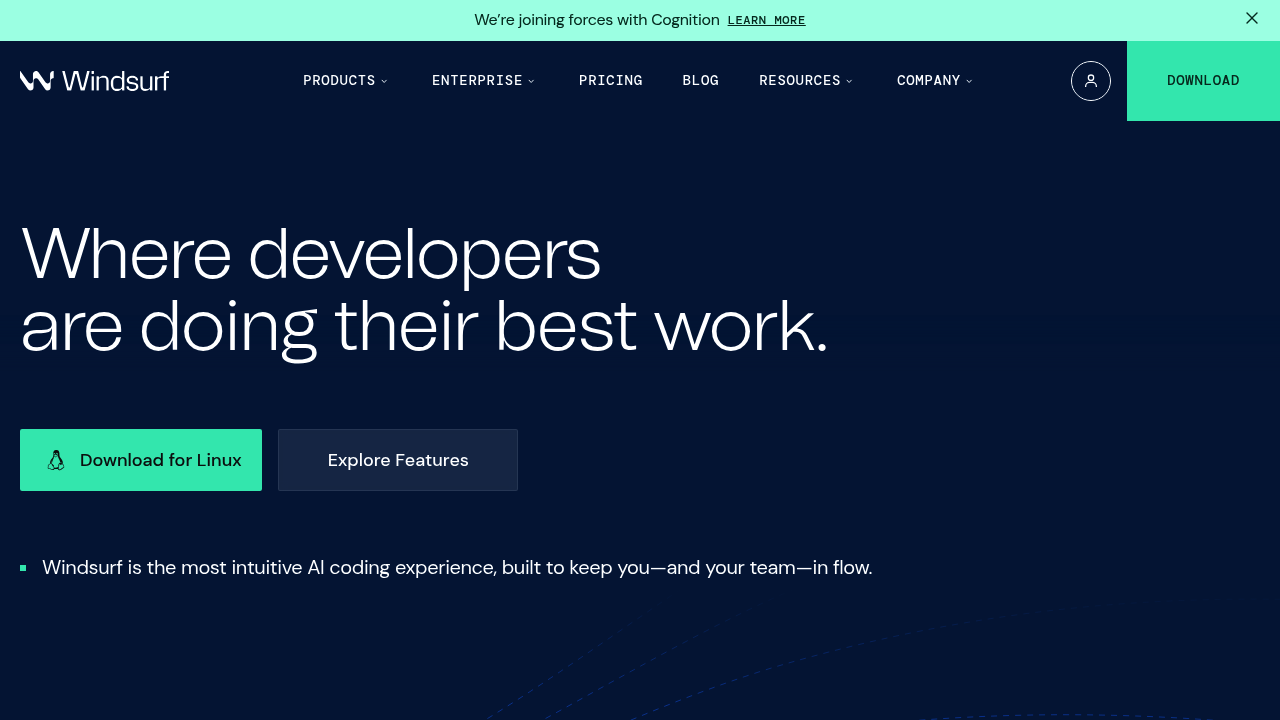
Windsurf is an integrated development environment built from the ground up as an AI-first coding tool. It combines a VSCode-based editor with Cascade, an agentic AI system that tracks developer actions across files, terminal, and clipboard to provide context-aware code generation. Solo developers may prefer Windsurf when they need a full IDE experience rather than a web-based builder, or when working on complex codebases that require deep contextual understanding.
Strengths
- Flow awareness system — Cascade tracks all developer actions (edits, terminal commands, clipboard, file navigation) to infer intent without requiring explicit prompts. This reduces context-switching compared to traditional chat-based AI assistants.
- Multi-model support — Access to OpenAI GPT-4, Claude 3.5, Gemini 2.0 Flash, xAI Grok, and Deepseek R1 within a single interface. Developers can switch models based on task requirements.
- Generous free tier — 25 prompt credits per month with access to all premium models. Unlimited autocomplete (Fast Tab), unlimited SWE-1 Lite model, and optional zero data retention at no cost.
- Knowledge base integration — Cascade reads from project documentation, Google Docs, and repository context to ground responses in actual codebase architecture. This reduces hallucinations compared to generic AI coding tools.
- In-editor previews and deployment — Frontend developers can see live UI previews inside the IDE, click elements to modify them via Cascade, and deploy to production without leaving the editor.
- Customizable workflows — Create saved rulebooks, define project-specific coding standards, and use Model Context Protocol (MCP) to connect custom tools through the plugin store.
Weaknesses
- Credit-based pricing complexity — Each prompt costs 1 credit by default, but multipliers vary by model. Developers must monitor credit consumption to avoid interruptions or unexpected add-on charges.
- IDE lock-in — Full power requires using the Windsurf Editor desktop application. Web-based VSCode or other editors receive only basic autocomplete functionality.
- Steeper learning curve — Windsurf's flow awareness, @ mentions, multiple Cascade modes (write vs chat), and custom workflows require time investment compared to simpler chat interfaces.
- Limited documentation scope — While Cascade integrates with documentation, effectiveness depends on manual curation of knowledge base items by developers.
Best for
Developers building complex applications who want an agentic AI deeply integrated into a desktop IDE, especially those working with large codebases that benefit from full repository context awareness.
Pricing plans
- Free — $0/month — 25 prompt credits/month, unlimited autocomplete and SWE-1 Lite, optional zero data retention, 1 app deploy per day
- Pro — $15/month — 500 prompt credits/month, access to SWE-1 model (currently 0 credits promotional rate), add-on credits at $10/250, 5 app deploys per day
- Teams — $30/user/month — 500 credits per user/month, add-on credits at $40/1,000, Windsurf Reviews (PR analysis), centralized billing, admin analytics, SSO available at +$10/user/month
- Enterprise (≤200 users) — $60/user/month — 1,000 credits per user/month, add-on credits at $40/1,000, RBAC, included SSO and access controls, priority support
- Enterprise (>200 users) — Custom pricing — Volume discounts, hybrid deployment option, dedicated account management, highest priority support
Tech details
- Type: Desktop IDE (VSCode fork) with agentic AI coding assistant
- IDEs: Windsurf Editor (native application for macOS, Windows, Linux). Plugin versions for VSCode and other editors support only autocomplete.
- Key features: Cascade (agentic flow-aware assistant), multi-model access, in-editor previews, web deployment, terminal command tracking, knowledge base integration, MCP plugin support, linter auto-fix, supercomplete predictions, conversation sharing
- Privacy / hosting: Cloud-based AI inference with optional zero data retention mode available on all plans. Enterprise customers can access hybrid deployment options (>200 seats). Code and prompts processed through Windsurf servers.
- Models / context window: Claude 3.5 Sonnet, GPT-4 and GPT-4o, Gemini 2.0 Flash, xAI Grok, Deepseek R1, proprietary SWE-1 and SWE-1 Lite models. Context window size varies by selected model (typically 128K-200K tokens for premium models).
When to choose this over Lovable
- Full-stack application development — Windsurf provides terminal integration, backend code generation, database management, and deployment flexibility beyond frontend-focused builders. Developers working across the stack benefit from unified context.
- Existing codebase modification — Cascade's repository awareness and file tracking excel at understanding and refactoring large existing projects. Lovable focuses on generating new applications from scratch.
- Local development workflow — Teams using Git, CI/CD pipelines, or custom development environments need IDE-based tools. Windsurf integrates with existing developer toolchains rather than replacing them.
When Lovable may be a better fit
- Rapid prototyping speed — Lovable generates complete working applications from natural language descriptions in minutes. Windsurf requires more granular interaction for equivalent output.
- Non-developer creators — Lovable's web interface and visual editing reduce technical barriers. Windsurf assumes familiarity with IDE workflows, terminal commands, and software development concepts.
- Predictable pricing — Lovable offers flat-rate subscription tiers. Windsurf's credit system introduces variable costs that depend on model selection and usage patterns.
Conclusion
Windsurf represents a Lovable alternative for developers seeking an AI-native IDE rather than a web-based application builder. Its flow awareness system and deep codebase integration make it effective for modifying existing projects and building complex full-stack applications. The free tier provides substantial functionality for individual developers, while enterprise features support team collaboration. However, the credit-based pricing model and desktop application requirement may not suit all workflows.
Sources
- Official site: https://windsurf.com/
- Docs: https://docs.windsurf.com/
- Pricing: https://windsurf.com/pricing
FAQ
What is the difference between Windsurf and Lovable?
Windsurf is a desktop IDE with an agentic AI assistant designed for professional developers working on complex codebases. Lovable is a web-based application builder that generates complete apps from natural language prompts, targeting faster prototyping with less technical depth.
How does Windsurf's credit system work?
Each prompt to Cascade consumes credits based on the selected AI model. Default cost is 1 credit per prompt, but premium models may have multipliers. The free plan includes 25 credits monthly, Pro includes 500 credits, and Enterprise tiers include 1,000 credits per user.
Can I use Windsurf without installing the desktop application?
The full Cascade agentic experience requires the Windsurf Editor desktop app. VSCode extensions provide only basic autocomplete functionality. Preview features, deployment tools, and flow awareness are exclusive to the native editor.
Does Windsurf store my code on its servers?
By default, code and prompts are processed through Windsurf's cloud servers for AI inference. All plans include an optional zero data retention mode that prevents long-term storage. Enterprise customers (>200 seats) can access hybrid deployment options for additional control.
Which AI models does Windsurf support?
Windsurf provides access to Claude 3.5 Sonnet, OpenAI GPT-4 and GPT-4o, Google Gemini 2.0 Flash, xAI Grok, Deepseek R1, and proprietary SWE-1 models. Developers can switch between models within the same Cascade conversation based on task requirements.
Is Windsurf suitable for team collaboration?
Teams plan ($30/user/month) and Enterprise tiers include centralized billing, admin dashboards with analytics, conversation sharing between team members, Windsurf Reviews for PR analysis, and optional SSO integration. Free and Pro plans are designed for individual developers.